FourFeetz Production Experience · Experience / AI Video
Using Multiple AI Video Models in One Place | Our Protoface Production Experience
What changed when FourFeetz used Protoface to review multiple AI video model options, test shot ideas, select useful footage and reserve deliberate choices for the final edit.
Production Record
Based on the Protoface promotional video, interface footage and short generated samples produced and edited by FourFeetz Studios.
Quick verdict
Reducing AI video production cost did not mean choosing only the lowest-cost option. It meant testing economically, protecting useful results and choosing a suitable model only when the shot justified it.
FourFeetz production notes
The New Question in AI Video Production
As AI video tools multiplied, our question changed. Instead of asking which model was best in the abstract, we needed to ask which option was appropriate for a particular shot. A visual test, a transition and a hero shot do not carry the same creative or production risk.
We did not need to commit the same level of resources to every generation. Separating exploratory shots from important final shots gave us a clearer way to review an idea before investing more effort in it.
FourFeetz production notes
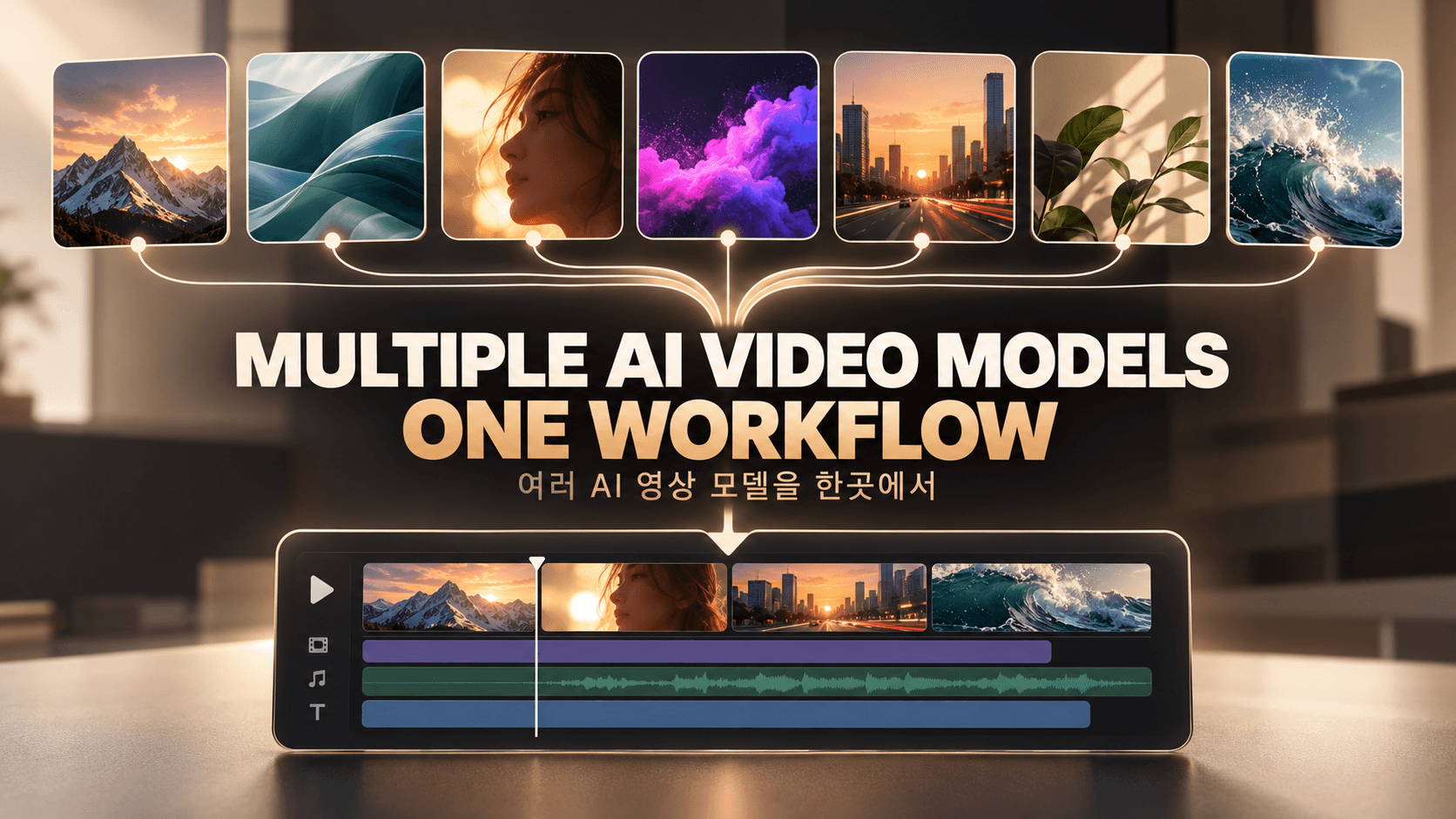
Multiple AI Video Models in One Platform
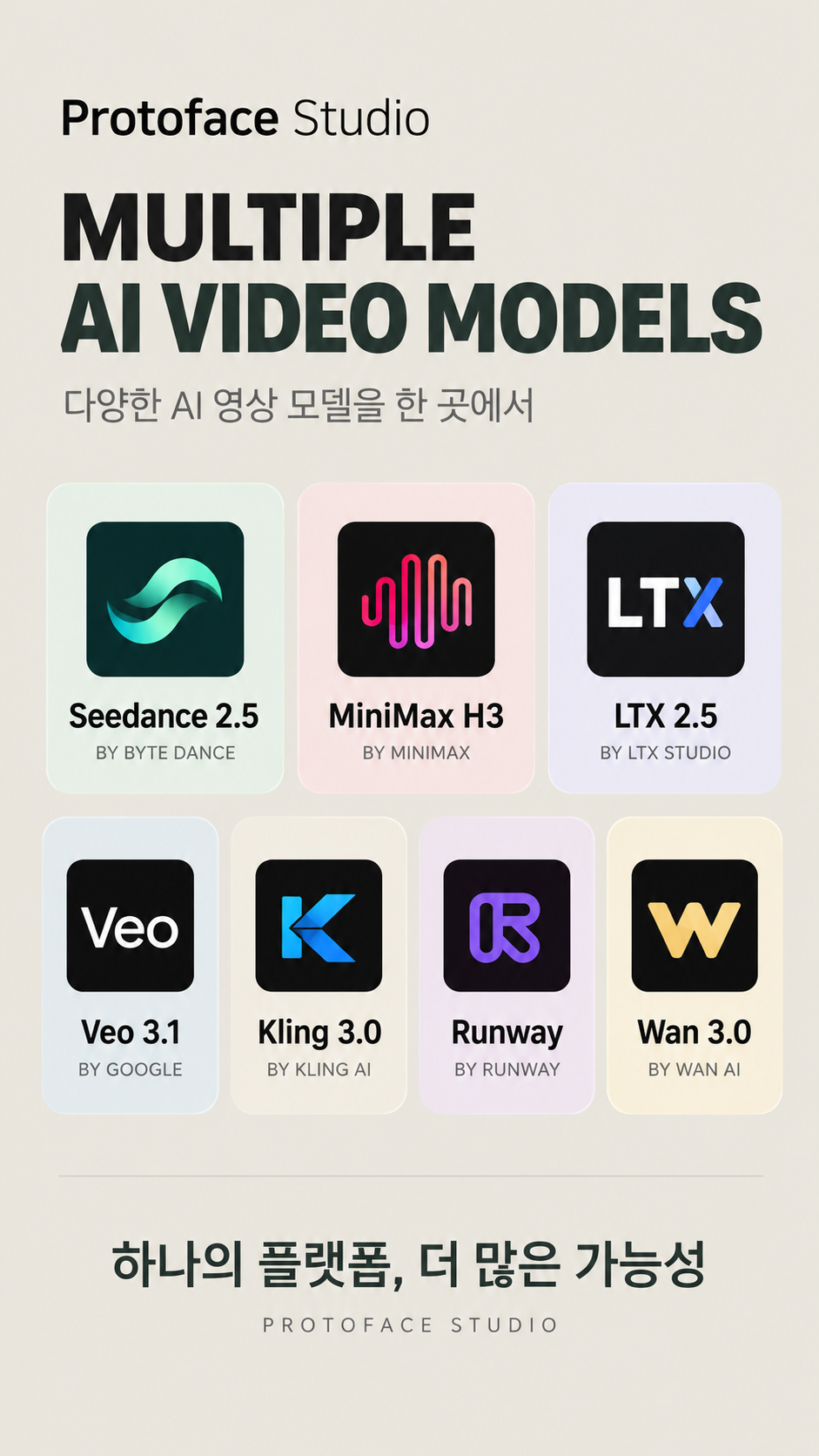
Protoface presented model options in one interface, including Seedance 2.5, MiniMax H3, LTX 2.5, Veo 3.1, Kling 3.0, Runway and the Wan family. These are examples of models available for selection in the platform, not a list of models FourFeetz used for every shot.
Our documented production work used or tested selected options, including MiniMax H3, according to the needs of a scene. This was not a controlled benchmark of all seven models, and this article does not rank their quality. The practical value was being able to make model access and shot selection part of one production decision.
- Seedance 2.5
- MiniMax H3
- LTX 2.5
- Veo 3.1
- Kling 3.0
- Runway
- Wan family
FourFeetz production notes
The Practical Pattern We Used
Our working sequence became simple: begin with the idea, use a faster or lower-cost generation option for an exploratory test, review the shot, keep a result that already works, choose the model needed for an important scene, and finish the sequence in the edit.
Short samples made with options including MiniMax H3 helped us judge whether the scene direction was worth continuing. The point was not that one model should replace every other model. It was that a shot should earn the next production decision.
- 1Define the shot idea and its purpose.
- 2Use an appropriate economical or fast option for the first test.
- 3Review the subject, framing and usable duration.
- 4Keep a result that already supports the edit.
- 5Choose the model needed for the important shot.
- 6Finish timing, text and sound in the edit.
FourFeetz production notes
We Did Not Need the Most Expensive Model for Every Shot
In our production work, separating exploratory tests from important final shots was more practical than assigning one premium model to every scene. We reviewed the purpose, usable duration, subject consistency, likely retries and editability before choosing the next generation option.
A technically impressive clip could still be the wrong choice if it did not connect to the edit. Repeated failures could also consume more time and credits than choosing an appropriate model after a clear test.
- 1Define the idea.
- 2Create a fast exploratory test.
- 3Review the result.
- 4Keep the useful shots.
- 5Choose an appropriate model for the shots that still need work.
- 6Complete the final edit.
FourFeetz production notes
Our Takeaway
For FourFeetz, reducing AI video production cost is not a race toward the cheapest model. It is the discipline of matching the production choice to the scene, testing before committing and refusing to regenerate footage that is already good enough for its editorial role.
Our earlier Protoface production experience and Seedance test explain narrower projects in more detail. Together, they support the same conclusion: production evidence and editorial purpose are more useful than a universal model ranking.
FAQ
Questions creators ask us
Did FourFeetz compare all seven models in a controlled test?
No. We observed that Protoface provided access to multiple model options and used selected options during production. This article does not claim a complete head-to-head benchmark.
Does one model work best for every AI video shot?
That was not our experience. The shot purpose, duration, consistency needs, retry cost and editability all affect the practical choice.
Try Protoface Studio
Explore multiple AI video models in one platform and choose an option that fits the work. Use the FourFeetz coupon when joining Studio Unlimited to receive the currently advertised $10 in additional free credits.
Start with Protoface Studio